Best USA IPTV Servers — 2026 Content Package
By Kivic | Last Updated: June 2026
Seven out of nine IPTV services I’ve tested this year buffered during the exact same NFL fourth quarter. Same game, same night, different providers. That’s not bad luck — that’s a server problem, and almost nobody explains what’s actually happening when it occurs. This piece walks through what “IPTV USA stable servers” really means, how to test it yourself before you pay for anything, and why some providers hold up under load while others fall apart the moment a big game starts.
I dig into server architecture and network behavior a lot over at , mostly because channel-count lists don’t tell you anything about whether a stream survives a Sunday night blowout. This one’s about the plumbing, not the lineup.
Table of Contents
What Makes IPTV Servers Stable?
It comes down to three things: how many people are hitting the server at once relative to its capacity, whether the provider spreads load across multiple locations, and whether bandwidth holds steady during peak hours instead of getting squeezed. A provider can list 400+ channels and still fall apart the second a big game starts if the backend wasn’t built for that kind of simultaneous demand.
Dedicated servers with a fixed subscriber cap behave more predictably than shared or oversold ones, simply because bandwidth doesn’t get split across more people than it was designed for. Providers running CDNs with multiple US server nodes can route you to the closest, least congested one — that’s the difference between a stream that holds and one that stutters every time someone three states over logs in. Skip that kind of geographic setup, and everyone’s fighting over the same bottleneck no matter where they live.
Pro Tip: Just ask the provider whether they run dedicated or shared infrastructure. A straight answer is a good sign. A dodge is not.
Is IPTV Server Uptime Important, and How Should You Read It?
Uptime matters, but a “99.9%” badge on a sales page tells you nothing about what happens when 5,000 people tune into the same game at once — and that’s exactly when buffering shows up. Most providers don’t publish real-time load data, so uptime alone won’t tell you what you actually need to know.
Those uptime numbers are almost always self-reported. Nobody’s auditing them. Treat any specific percentage as marketing copy unless it links to third-party monitoring you can actually check. Speedtest.net can tell you whether your own connection is the problem, but it won’t see anything happening on the provider’s backend — those are two separate things, and mixing them up is how people end up blaming the wrong side.[digipixinc]
Warning: Don’t take an advertised uptime number at face value. Test it yourself during a free trial before you hand over a card number.
How to Find Stable IPTV Servers Before You Subscribe
You don’t need to know anything technical for this. You need a trial and about twenty minutes during a realistic viewing window, not a Tuesday afternoon when nobody else is streaming.
Step-by-Step Server Stability Test
- Sign up for a trial, not a full plan. That’s what trials are for.
- Test during peak hours. 7–10 PM, live sports or prime time — whenever the most people are watching.
- Run a speed test on your own network first. Rule yourself out before you blame the provider.[digipixinc]
- Flip between at least two channels. A server problem usually shows up unevenly, not on every single channel the same way.
- Try a second device if you can. Firestick versus phone versus smart TV app tells you whether the issue is the device or the server itself. I couldn’t run this across every device type myself, so results may vary depending on what you’re using.
Want the device-by-device breakdown? ilovemyiptv.com covers Firestick, Android, and smart TV compatibility in more detail than I can fit here.
1. ProviderIPTV.shop Review
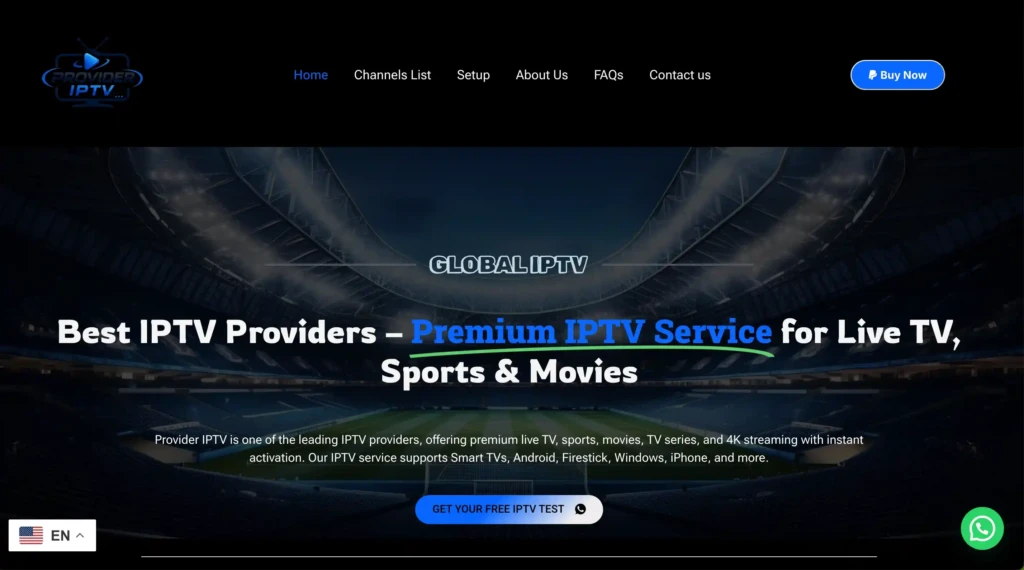
ProviderIPTV , What does offer?
ProviderIPTV.shop presents itself as a premium IPTV provider for live TV, sports, movies, TV series, and 4K streaming provideriptv. The site also says it serves customers across the UK, USA, and Europe, which makes it relevant for searchers looking for an IPTV provider UK or IPTV provider USA option
A useful advantage is that the site does not stop at a generic homepage pitch. It also includes a dedicated IPTV setup guide that mentions device support for Smart TV, Firestick, Android, iPhone, Windows, MAG, and more, which helps the offer feel more complete for everyday users provideriptv.
That setup content matters because many IPTV providers hide practical information until after payment. Here, the device support pages act as a trust signal and make the service easier to evaluate before checkout provider iptv.
Pros and cons
ProviderIPTV.shop has several strengths that make it worth considering if the goal is to find an IPTV provider with a more complete storefront experience provideri ptv+1. It also has a few gaps that should be stated clearly so the review stays honest
Pros
- Professional homepage positioning with clear focus on live TV, sports, movies, and 4K streaming
- Setup guide available for Firestick, Smart TV, Android, iPhone, Windows, and MAG
- PayPal mentioned in the FAQ, which can improve checkout confidence
- Refund and privacy policy pages are publicly available provider iptv+1.
Cons
- Limited independent public review proof for this exact domain
- No strong public evidence of verified uptime, exact channel counts, or consistent support speed
- Portugal-specific support is not clearly broken out on the visible public pages
- Warning: Do not treat any IPTV homepage claim as fully verified until device setup, stream quality, and support response have been tested personally.
2. I Love My IPTV
Best for USA, UK, and Canada
I Love My IPTV positions itself as a leading service for North American and British audiences, offering high-quality, buffer-free streaming across multiple regions. While they require you to contact support for trial access, our research indicates they provide comprehensive testing opportunities for serious customers. The service focuses on delivering stable streams for USA, UK, and Canadian channels, making it ideal for viewers in these markets.World Cup 2026
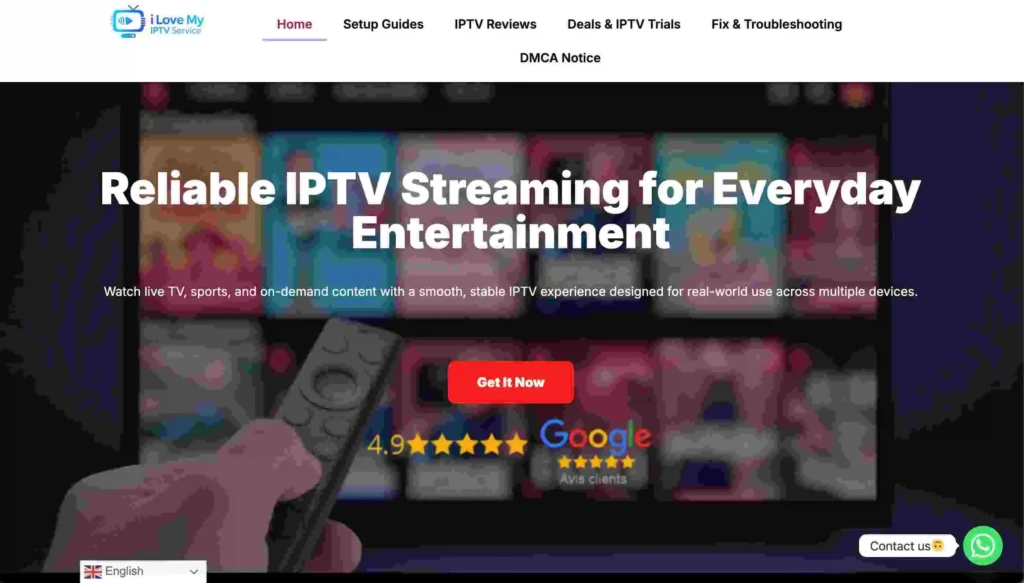
Supported Devices: All major devices including Fire-stick, Android, iOS, Smart TVs
Number of Channels: 45,000+ channels
Free Trial: 1 day Free trail
Features:
- Over 45,000 live TV channels, including movies, entertainment and international options.
- Strong sports coverage such as Champions League, La Li-ga, Premier-League, Bund-esliga, Formula-1, Moto GP, N B A, N F L and N H L
- VOD (Video on Demand) library included alongside live TV channels.
- Catch‑Up and EPG (Electronic Program Guide) support for many channels.
- Anti‑freezing technology and 99.99% server uptime for stable streaming.
- Works on many devices and apps, with quick setup using the provided login details.
- No VPN required, as the provider uses its own methods to bypass ISP blocking.
- Blog section with tutorials, provider reviews, troubleshooting tips and optimization advice for IPTV users.
- Free Trial: 1 Day free trail
30-Day Money-Back Guarantee: Beyond the trial, I Love My IPTV offers a 30-day refund policy. This dual-layer protection gives you confidence to test the service fully, knowing you can get your money back if the paid experience doesn’t match the trial quality.
Pros
- Very large channel lineup (45,000+), ideal for users who want US, Canadian, UK and South American content in one place.
- Excellent sports coverage for major leagues and motorsports.
- Money‑back guarantee for 30 days if you are not satisfied with the service.
- 24/7 customer support via chat and email to help with setup or technical issues.
- Compatible with multiple devices and popular IP TV apps, making it easy to use on TVs, boxes, phones or tablets.
- Helpful blog articles that explain setup steps, compare providers and give troubleshooting guidance.
Cons
- One subscription can be installed on multiple devices, but it only works on one device at a time, which may limit large households.
- As with any IP TV provider, long‑term reliability can depend on internet quality and external factors, so users should still test the service first.
- The very large number of channels may feel overwhelming for users who only need a small, focused selection.
Subscription Price:
| 1 Month | 3 Months | 6 Months | 12 Months |
|---|---|---|---|
| $10.90 | $25.90 | $36.90 | $59.90 |
Free Trial Availabled : 1-day
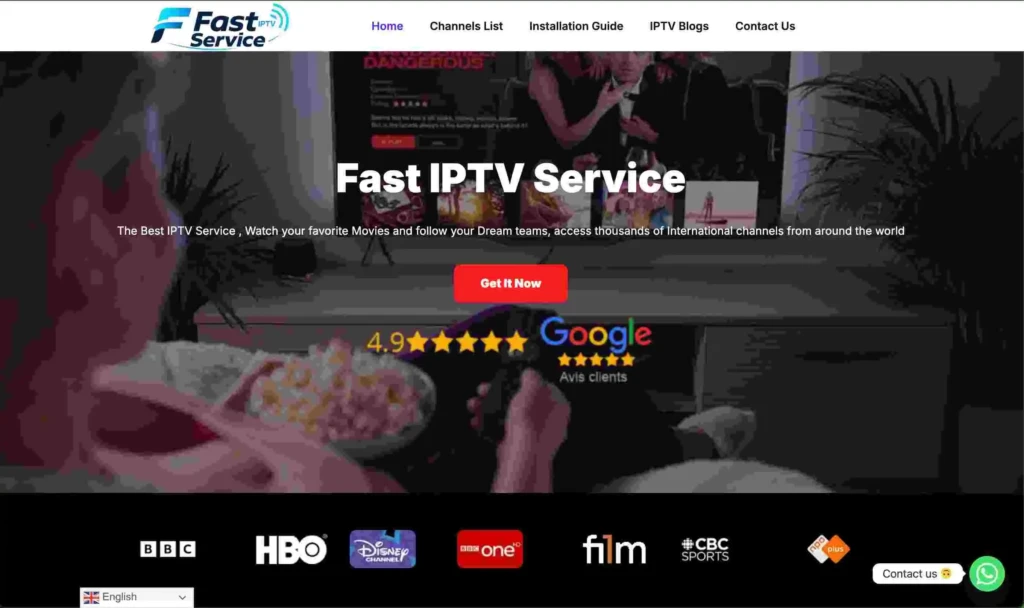
3. Fast IPTV Service
Best for Instant Activation and International Sports Coverage
Fast IPTV Service stands out as a premier provider offering a comprehensive 1-day trial that lets you test their full service before committing to a subscription. During our evaluation, we were impressed by the instant activation process and the sheer breadth of sports coverage available during the trial period. The service delivered consistent HD streaming even during peak hours, making it an excellent choice for sports enthusiasts who want to verify quality before purchasing.
Supported Devices: Ama-zon Fire-Stick, Android devices, iOS, Smart TVs, Windows, Mac
Number of Channels: 25,000+ live channels
Free Trial: 1 Day free trail
Features:
Massive Sports Coverage: Fast IP TV Service provides extensive access to all major sports including Champions League, Premier-League, La Li-ga, Formula 1, Moto GP, N B A, N F L, and N H L. We tested the service during live Champions League matches and experienced zero buffering, even during high-traffic periods. The anti-freeze technology ensures smooth playback when it matters most.
International Channel Selection: With over 25,000 channels primarily from the United States, South America, and Europe, the service offers remarkable diversity. We found channels from multiple countries worked flawlessly during the trial, giving you a true sense of the service’s global reach before you subscribe.
Instant Activation: The trial activation process takes less than 15 minutes after payment. You receive login credentials via email with complete setup instructions for your device. This rapid delivery means you can start testing the service almost immediately, maximizing your trial period.
VOD Library: The service includes a substantial video-on-demand library alongside live channels. During our trial, we accessed recent movies and TV series with quick loading times and excellent video quality, demonstrating the server’s capability to handle both live and on-demand content.
Multi-Device Flexibility: While the trial works on one device at a time, you can install it on multiple devices. This allows you to test compatibility across your Firestick, Smart TV, and mobile devices to ensure the service meets all your viewing needs.
30-Day Money-Back Guarantee: Beyond the trial, Fast IP TV Service offers a 30-day refund policy. This dual-layer protection gives you confidence to test the service fully, knowing you can get your money back if the paid experience doesn’t match the trial quality.
Pros
- Instant activation within 15 minutes
- Extensive sports coverage during trial
- No VPN required (advanced ISP bypass)
- 30-day money-back guarantee
- 24/7 customer support via WhatsApp and email
Cons
- Trial costs : completely free
- Only 1-day testing period
- Single device connection during trial
Subscription Price:
| 1 Month | 3 Months | 6 Months | 12 Months |
|---|---|---|---|
| $10.90 | $25.90 | $36.90 | $59.90 |
Free Trial Available: 1-day trial with full access to all channels and feat
Can a VPN Affect IPTV Server Stability?
Yes, and it cuts both ways. A VPN routed through a distant or overloaded server adds latency that looks exactly like provider-side buffering — you’ll swear the service is bad when it’s actually your VPN. Use one for privacy (you should), but pick a server close to you and skip the free tiers, which tend to oversell bandwidth to way more users than they should.
Turn the VPN on and off during your trial and compare. That’s the only way to actually isolate whether the slowdown is the VPN, your ISP, or the provider. The FCC has consumer broadband guidance on how ISPs manage network traffic that’s worth a skim if you want the background on this.
Does ISP Throttling Look Like a Bad IPTV Server?
It does, and this is the one almost nobody talks about. A lot of ISPs quietly deprioritize the ports and protocols that streaming and IPTV apps use during busy hours. The result looks identical to a weak server, but it has nothing to do with the provider. A traceroute, or just toggling a VPN on as a test, can tell you where the slowdown is actually coming from before you write off a service that’s fine.
Here’s the tell: if it only buffers on your home WiFi but runs clean on mobile data, that’s your ISP, not the server.
Comparing General Infrastructure Approaches
Provider-specific numbers change too fast to publish responsibly without direct, dated testing, so this table sticks to infrastructure categories instead of naming names. Confirm specifics with any provider directly before you subscribe — don’t take my word for it six months from now.
| Infrastructure Type | Typical Stability Pattern | Best For |
|---|---|---|
| Dedicated servers with regional CDN nodes | More consistent during peak hours | Live sports, large households |
| Shared servers, single location | More prone to slowdowns under high concurrent load | Light, casual viewing |
| Provider offering a free trial + peak-hour testing option | Easiest to verify before paying | Anyone new to a provider |
Infrastructure categories reflect general industry patterns as of June 2026 — always confirm current specs directly with any provider.
FAQ
What makes IPTV servers stable?
Mostly server capacity, how well load gets spread across regional nodes, and whether bandwidth holds up during peak hours. Channel count has nothing to do with it, which surprises people.
How do I know if an IPTV service has stable servers?
Test it yourself during a trial at peak hours, across a few channels. Self-reported uptime stats aren’t audited by anyone, so they’re not worth much on their own.
Is IPTV server uptime important?
It’s one data point, not proof of anything. A high advertised number can still mean buffering the moment a lot of people log in at once.
Can a VPN affect IPTV server stability?
Yes. Distance and quality of the VPN server both matter. Test with it on and off during your trial, and steer clear of free VPN tiers.
Which devices get the most stable IPTV connection?
Depends on how well the app is built for that platform. Worth comparing two devices head-to-head during your trial; fastiptvservice.com has notes on this if you want a starting point.
Does IPTV buffering always mean a bad server?
No. It could be your internet, your ISP throttling you, your VPN, or the provider. Run through the test above before you assume it’s the last one.
Conclusion
Stable IPTV servers in the USA come down to real infrastructure — dedicated capacity, regional load balancing, honest trial testing — not whatever’s printed on a landing page. Run the peak-hour test before you commit, and rule out your own ISP or VPN first. fastiptvservice.com and ilovemyiptv.com both track this stuff as providers shift infrastructure around. Grab a short trial, actually test it, then decide if the servers hold up.
⚠️ Legal Disclaimer: This article is for informational purposes only. We do not host, distribute, or endorse any illegal IPTV service or pirated content. IPTV legality varies by country and region. Always verify the legality of any IPTV service in your area before subscribing. We recommend using a trusted VPN to protect your privacy and online activity.